- Capabilities
- Getting started
- Architecture center
- Platform updates
Core Object Views
When you create and configure an object type in your Ontology, Foundry automatically creates a core Object View to provide a standardized representation of all its objects, ensuring other users have a holistic understanding of its schema and links. The core Object View matches the object type's configuration by spotlighting prominent properties in either a dedicated table or in other visual formats if the property's base type is a time series, media reference, or geospatial property. Normal properties are displayed in a regular table, and hidden properties are not visible.
While core Object Views are available for all object types, you can configure custom views to provide a contextualized and curated Object View experience for any object type based on its function in your Ontology. When you create a custom Object View, Foundry makes it available as the default view for a user; however, users can choose to select the core view to see object data in its standard format.
Prominent property displays
Foundry surfaces prominent properties at the top of the core Object View to provide immediate context about an object's most important information.
Display behavior
Properties marked as prominent receive enhanced visual treatment based on their type:
- Media reference properties: Rendered with a dedicated media viewer for viewing all supported media types.
- Time series properties: Displayed as interactive charts showing temporal data patterns.
- Geospatial properties: Objects with prominent geohash, geoshape, or geotemporal series reference (GTSR) properties will render on a Map. Time series properties that represent an object's latitude and longitude over time are also displayed on a Map.
- Other property types: All other prominent properties are displayed using a larger, card-style format elevated above a table displaying the remaining standard properties.
Linked objects component
The Linked objects component enables you to traverse across linked objects directly within the core Object View.
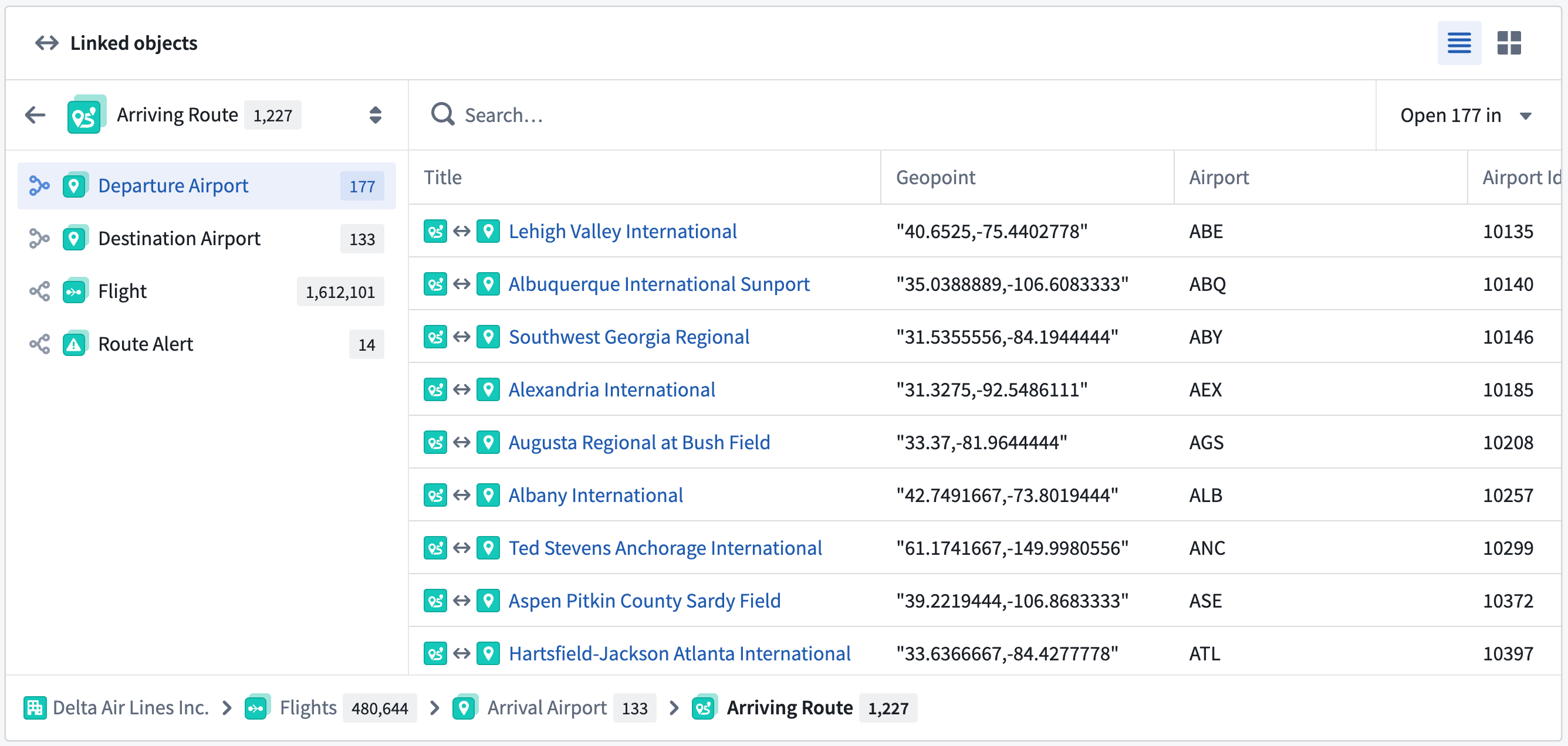
Use the Linked objects component of a core Object View to:
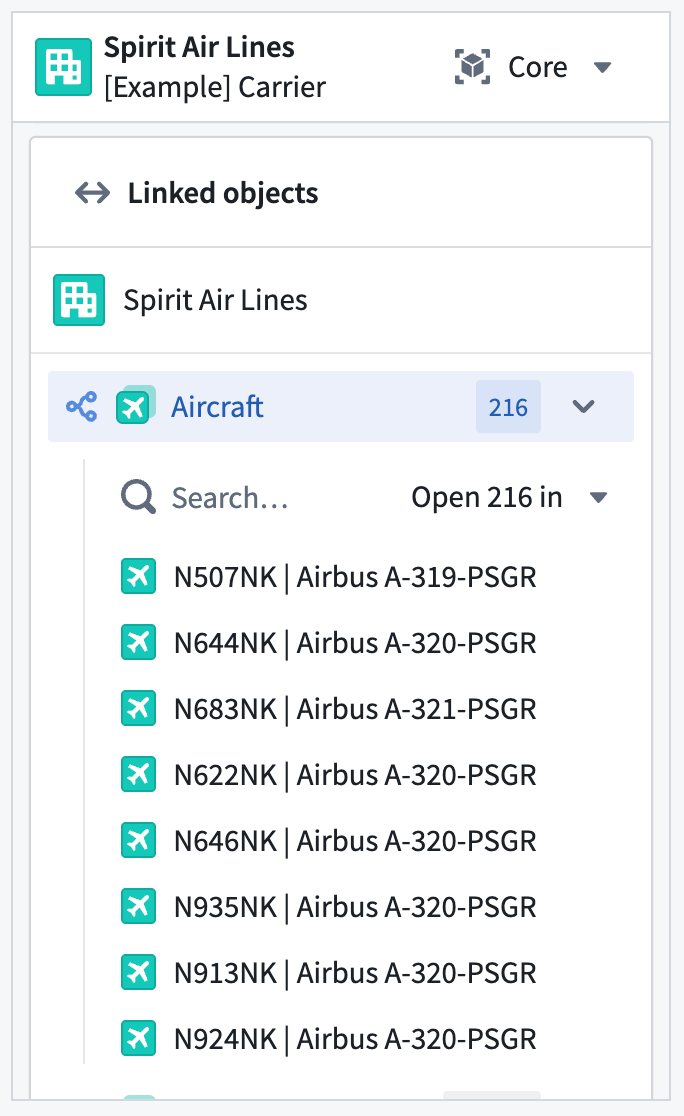
- View linked objects grouped by link type.
- Preview properties of linked objects inline without leaving the current view.
- Open a subset of linked objects in a new tab for further exploration.
- Preview a selected linked object in the side panel of the core Object View.
Panel core Object View display behavior
You can also interact with all of a core Object View's functionality in its panel form factor.