- Capabilities
- Getting started
- Architecture center
- Platform updates
Series panel [Planned deprecation]
The series panel in Map is in the planned deprecation phase of development and will be unavailable after January 31, 2026. Use the timeline to view time-based data and further inspect time-based object properties in Map.
Contact Palantir Support if you have questions about Map's timeline feature or require additional help migrating your workflows.
You can use a map's Series panel to further inspect time series and linked events synced with the timeline's selected time and time window.

Time series
Time series are measured values that change over time.
You can add a time series to the series panel using the following methods:
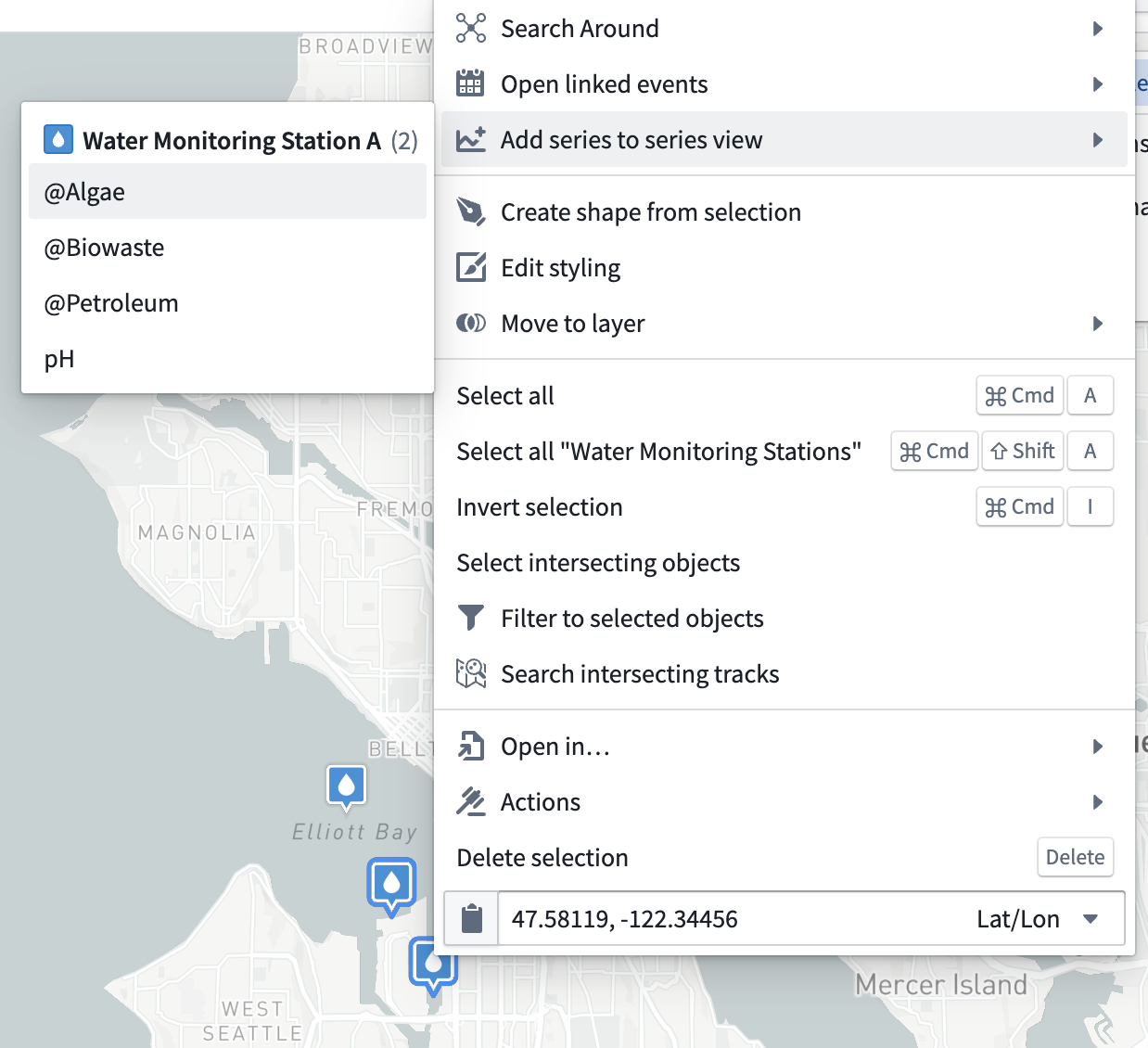
- Right-click an object and choose Add series to series view before selecting a series from the Add series to series panel menu.
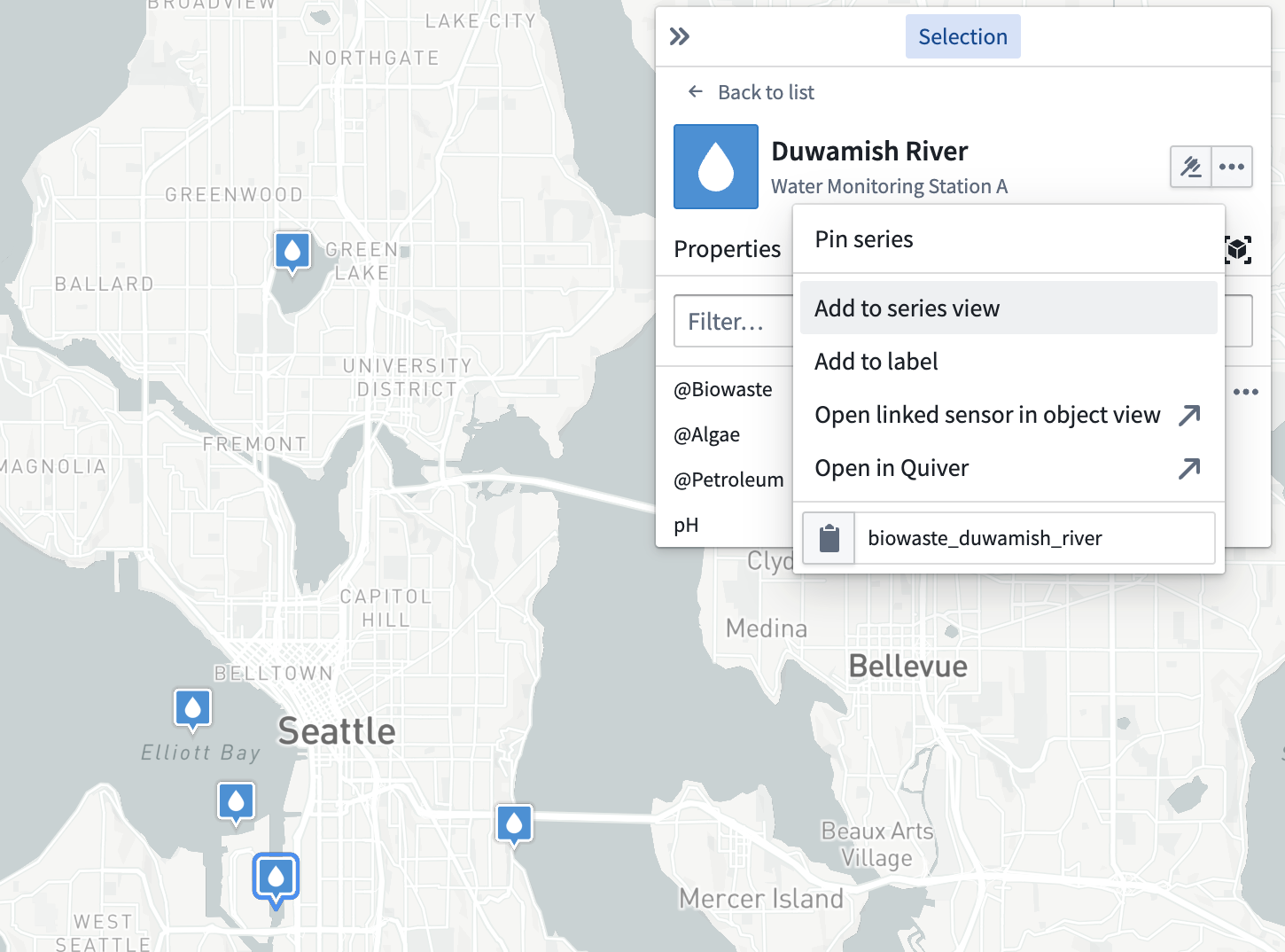
- Select an object, open the Selection panel, and navigate to the Series tab. Select the … icon that appears when hovering over a series row to open a menu that contains additional actions related to the selected time series. Then, select Add to series view.
| Right-click to add a time series | Use the Selection panel to add a time series |
|---|---|
 |  |
When you add a time series to the Series panel, a visualization of the series over time appears at the bottom of the map. You can use the Series panel to move through time by selecting the point in time you wish to view. Additionally, you can scroll across the rendered time range.