- Capabilities
- Getting started
- Architecture center
- Platform updates
Update a peer connection's settings
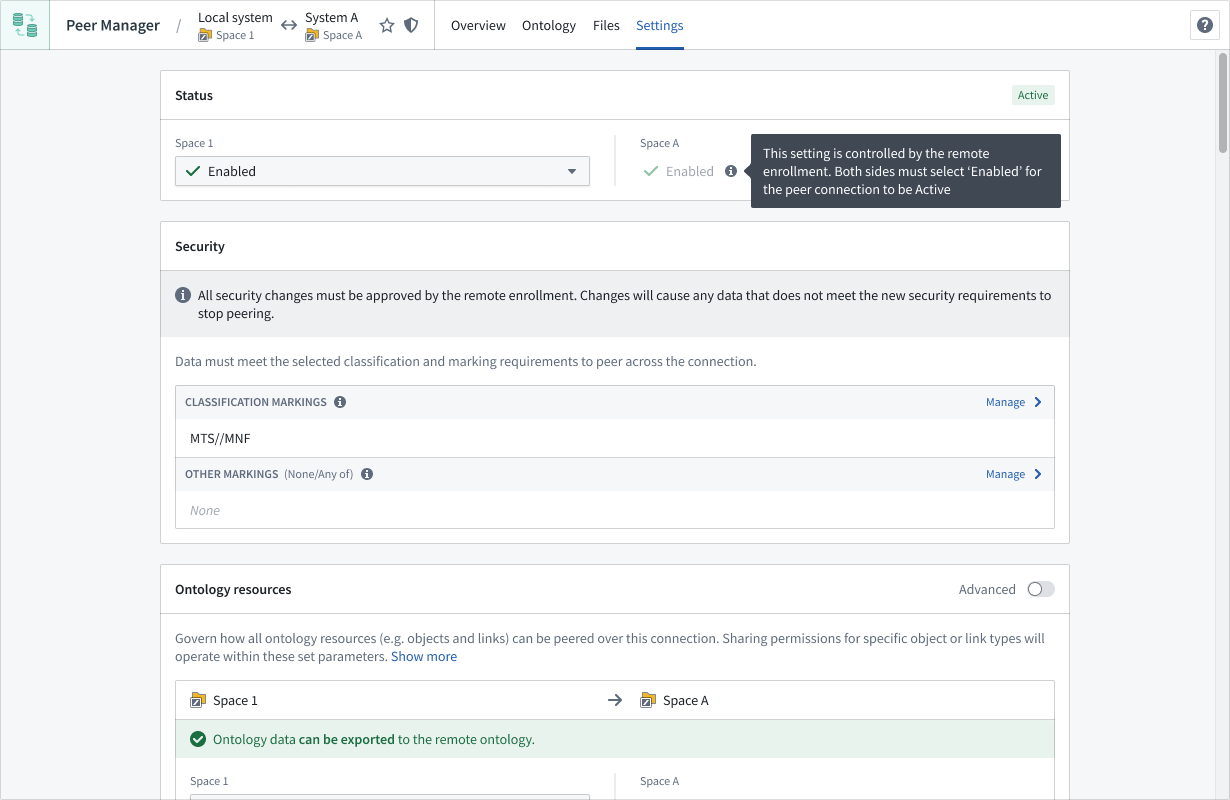
After you or another enrollment administrator create a peer connection, you can modify its status, security, or peered data types through the Settings tab when viewing the connection in Peer Manager.
Modify a peer connection's status
Use the dropdown in the Status section to disable the peer connection by selecting Disabled.
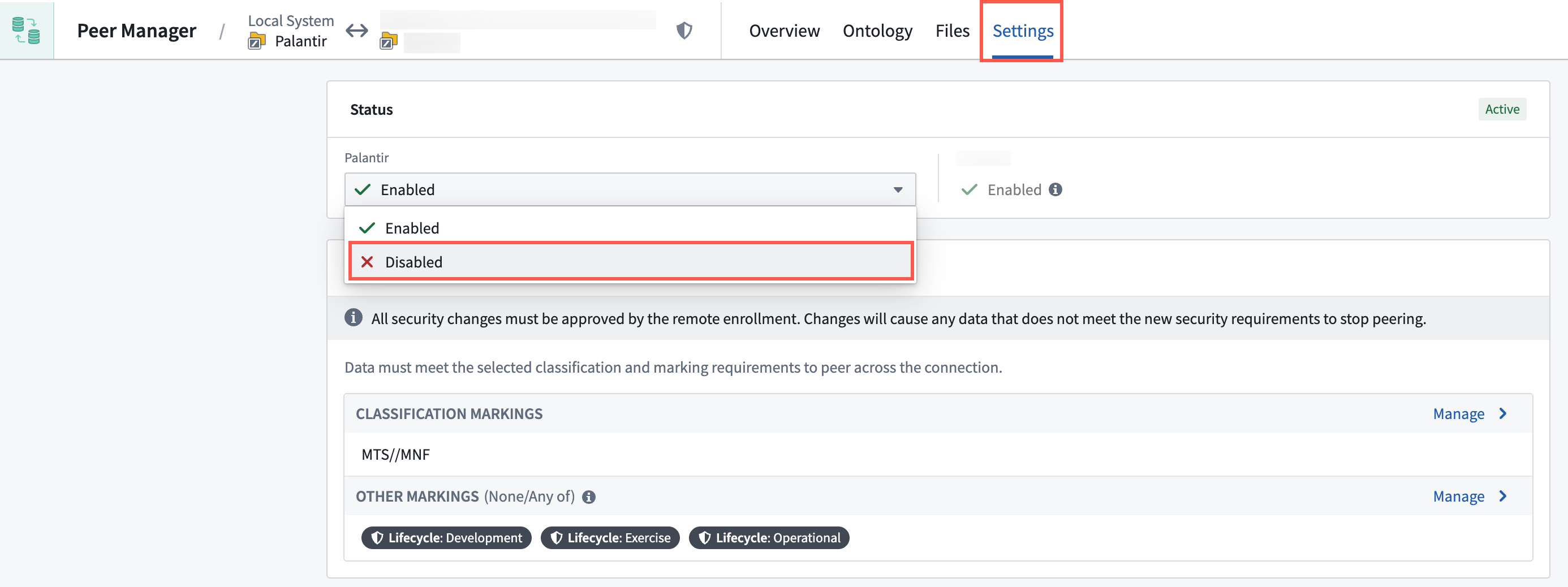
All data ceases to peer if either the local or remote side of the peer connection chooses to disable the connection. Data will not peer until the connection is re-enabled.
Modify a peer connection's security
The Security section enables you to modify the peer connection's security. Select Manage to change the configured Classification Markings or Other Markings.
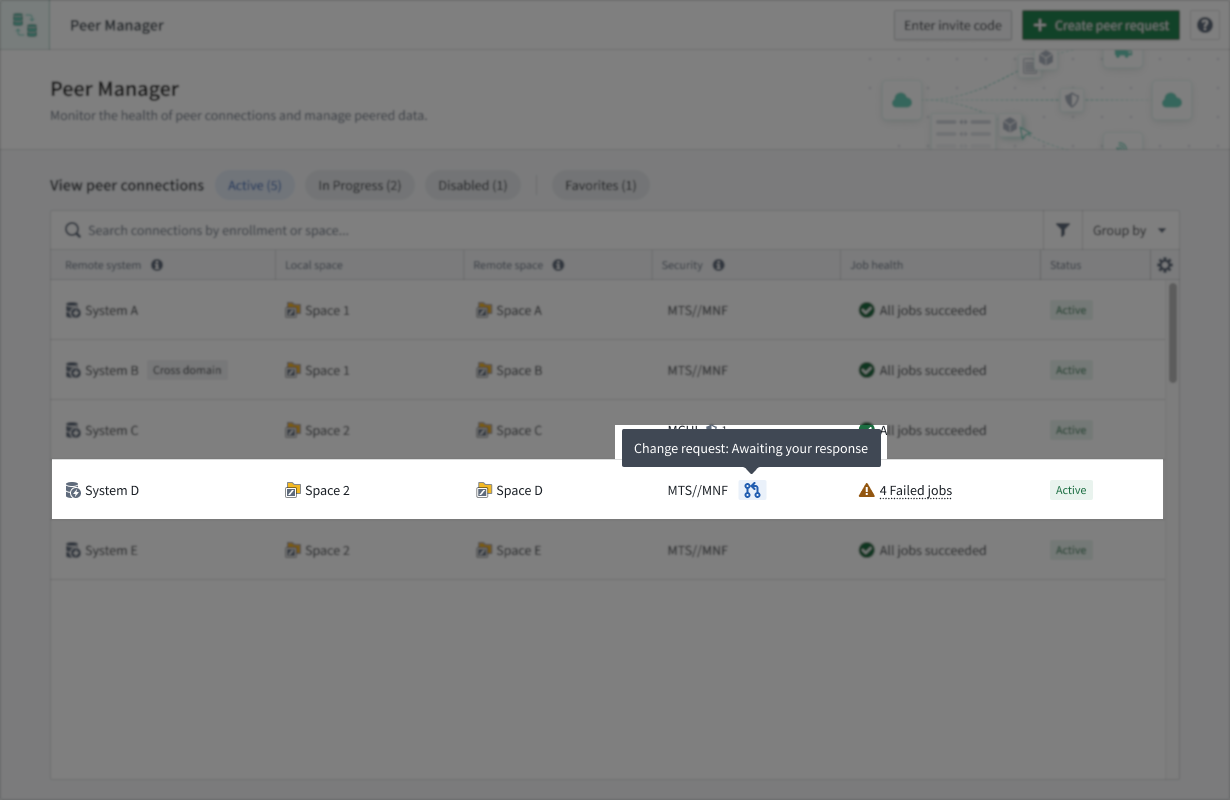
Security modifications alter the data that may peer over the connection, so all security changes must be approved by the remote enrollment before they take effect. When one side of the peer connection changes the security, Peer Manager will open a change request on the other side of the connection for approval.