Create and export a Bundle
This section will walk through how to build a Bundle that contains Product Release metadata.
Learn more about the contents of a Bundle.
After following these steps, you can transfer the Bundle from your Source Hub to your Target Hub using the proper transfer process for your Hub.
Prerequisites
Create an export pipeline
Export Pipelines define the Product Releases and associated metadata that will be exported from the Source Hub in a Bundle. You can configure data selection rules that define which Product Releases should be included in a Bundle. You can also set a build schedule so Bundles for the Pipeline will be built regularly.
Learn more about how to create an Export Pipeline.
Create a bundle
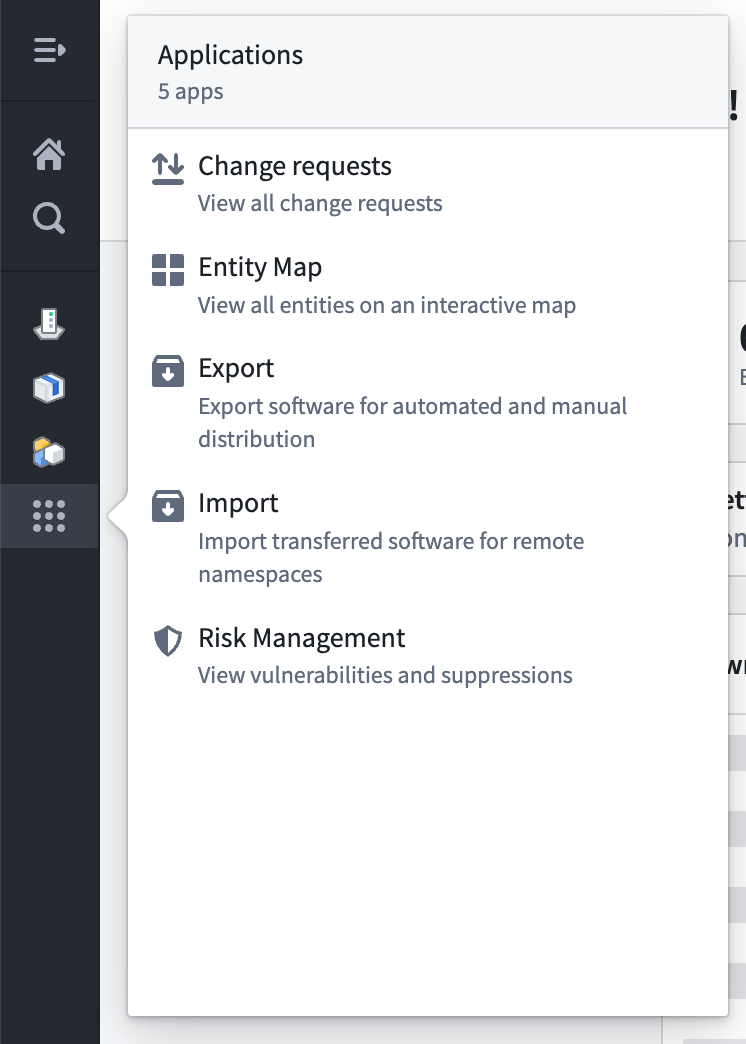
Hover over the Applications icon in the left sidebar and then select Export.
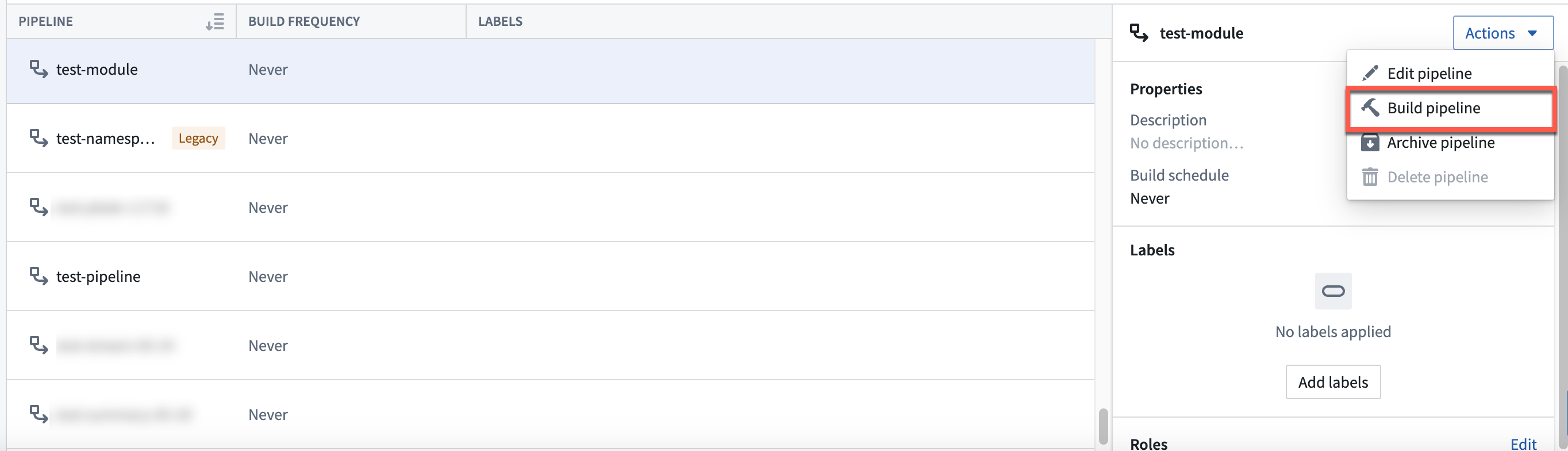
Select a Pipeline from the All Pipelines table. Then select Build Pipeline to create a new Bundle.
You can select the name of the Pipeline in the All Pipelines table and then select the Bundle you built from the Bundles tab to view its contents.
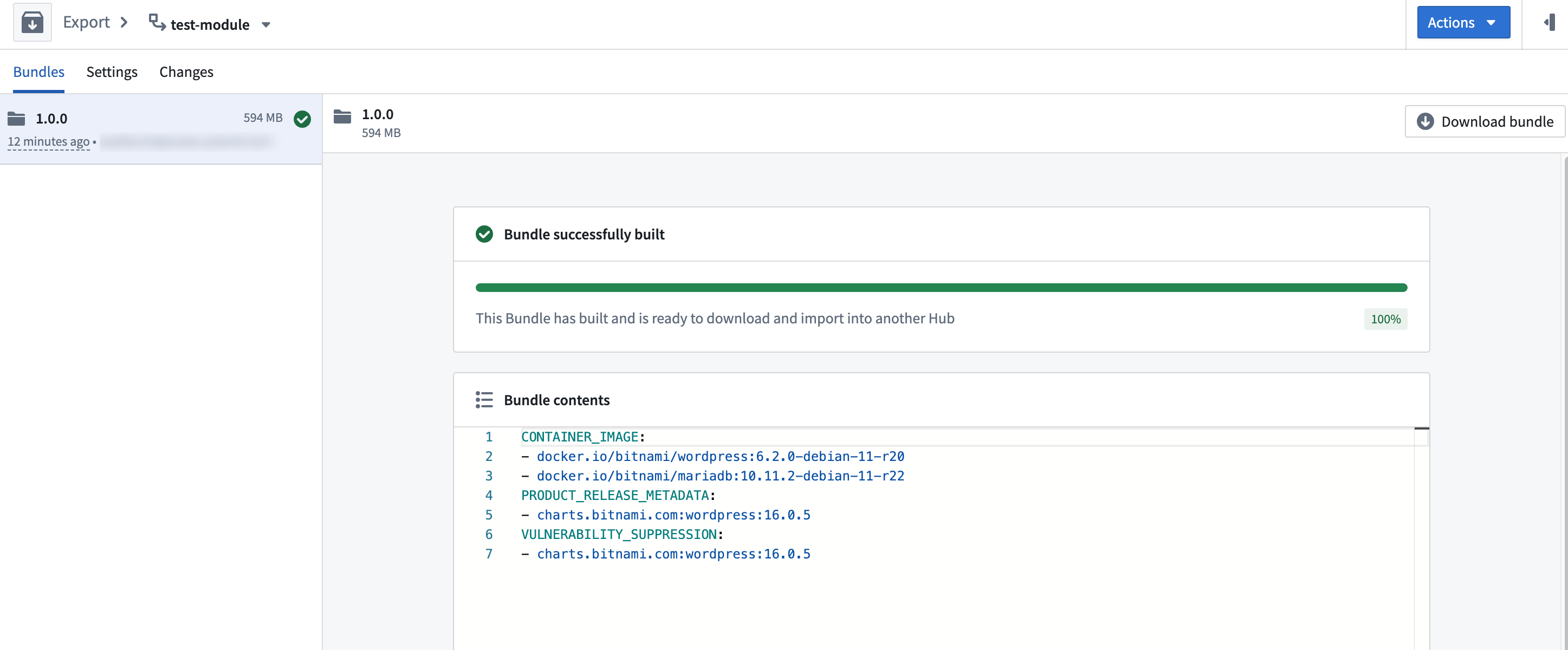
Now, you can download the Bundle by selecting Download Bundle. From the Target Hub, you can import the Bundle to unpack its contents and apply the relevant changes.
Learn more about importing a Bundle to your Target Hub.
If you configured a build schedule for your Export Pipeline, Apollo will create Bundles on a regular cadence for you. These will be available to view and download in the Bundles tab of the Export Pipeline.