Data selection rules
Data selection rules allow you to define the contents of the Bundles that are built for an Export Pipeline. You can configure one or more data selection rules to include specific resources in the Bundles.
Data selection rule types
Select Environments
The Select Environments rule allows you to select Environments to export, along with a Product Release selection strategy for each Environment that specifies what Product Releases to export.
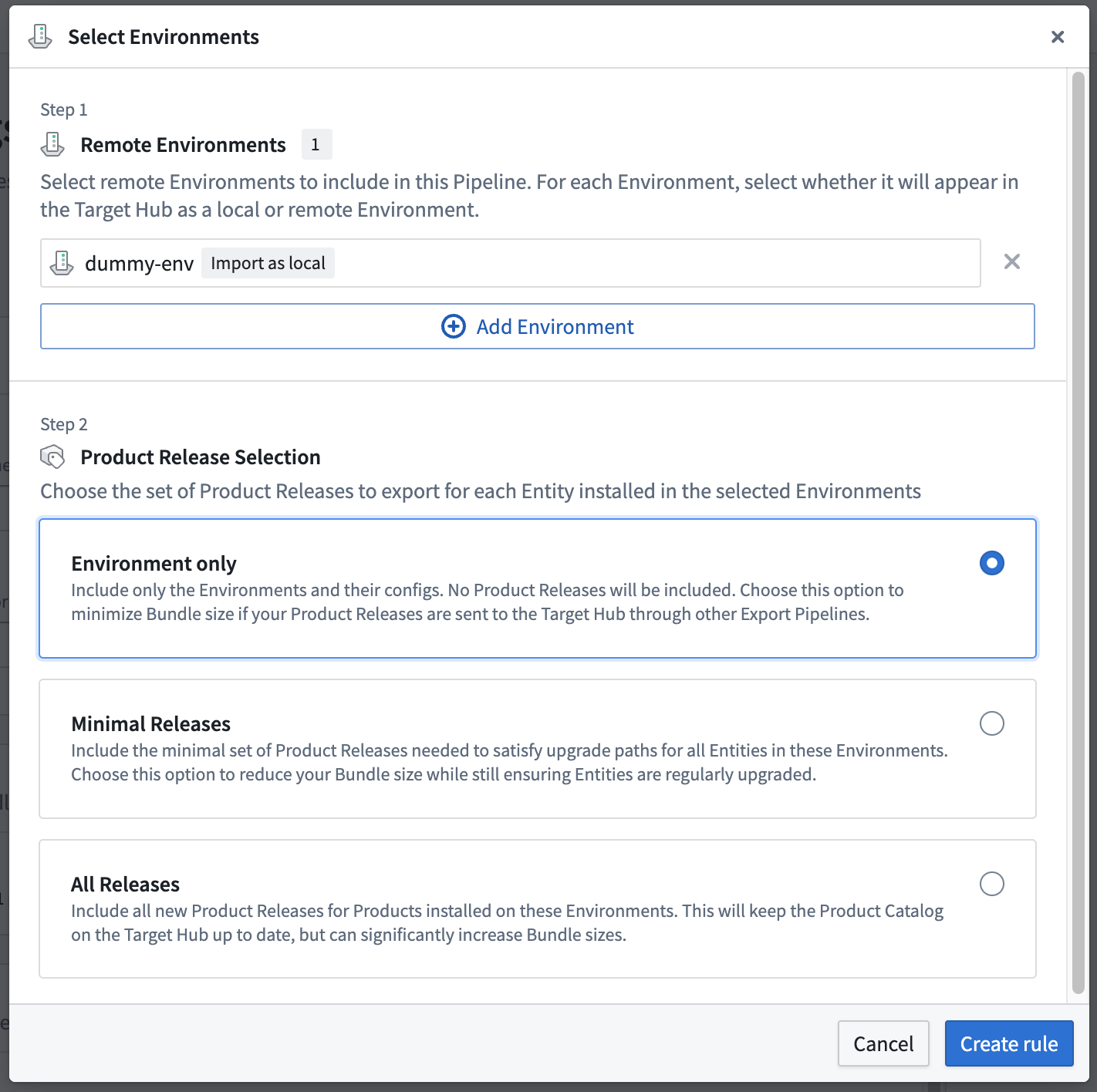
Learn more about exporting Environments.
Select Modules
The Select Modules rule allows you to select Modules to export, along with a Product Release selection strategy for each Module that specifies what Product Releases to export.
If the Module only option is selected, Apollo will only export the latest Module definition. Otherwise, you must specify the Release Channel(s) that will be used to select Product Releases. For every Product in the selected Module(s), Apollo will export the Product Release on each specified Release Channel(s).
For example, you can select module-1, that has Products product-1 and product-2. Then you select release-channel-A and release-channel-B. Apollo will export:
- Product Releases of
release-channel-Aforproduct-1 - Product Releases of
release-channel-Bforproduct-1 - Product Releases of
release-channel-Aforproduct-2 - Product Releases of
release-channel-Bforproduct-2
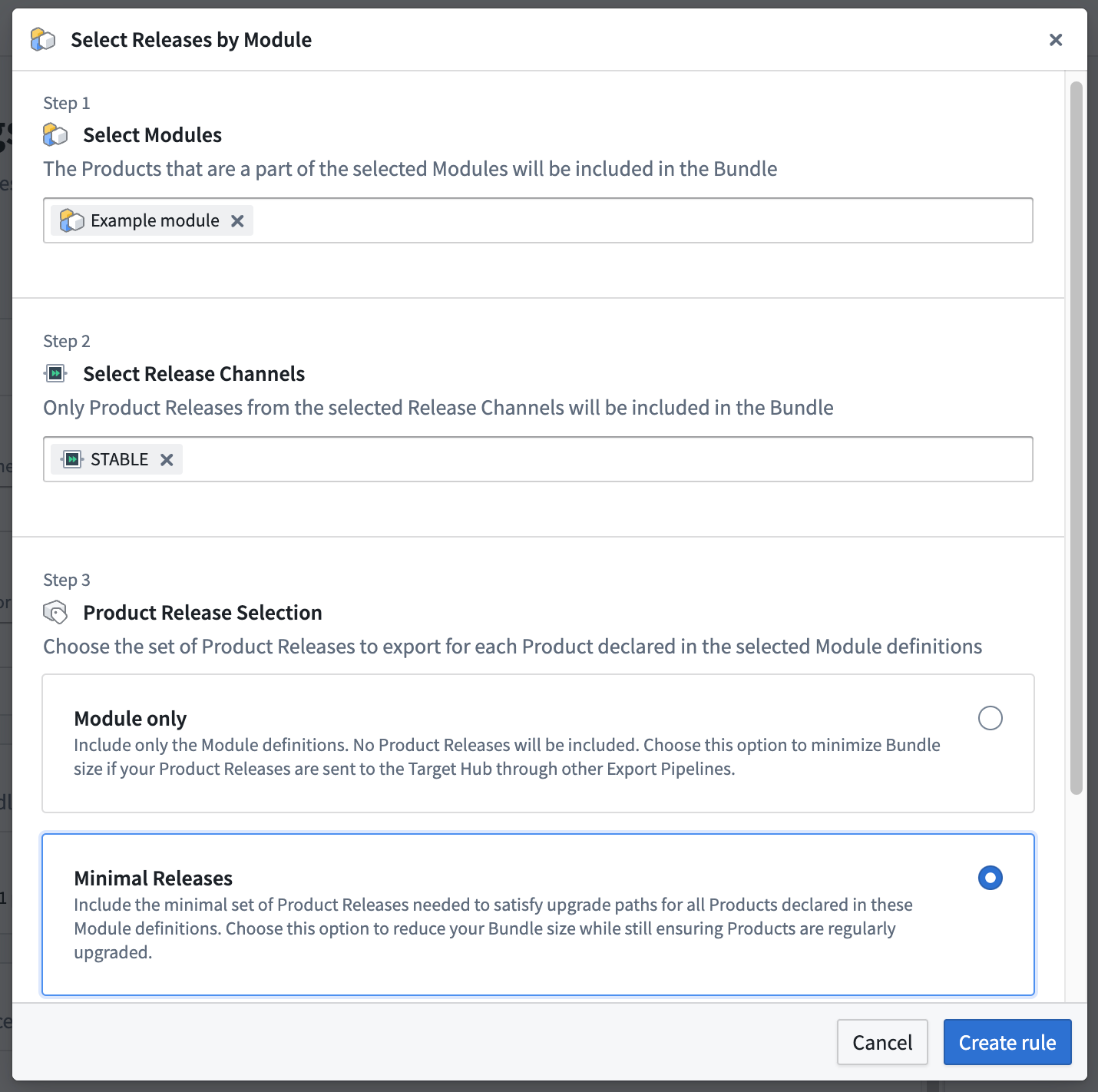
You should use this data selection rule to continuously export a collection of related Products that have been combined into a single Module.
Select Products
The Select Products rule allows you to select Products to export, along with a Product Release selection strategy for each Product that specifies what Product Releases to export.
After you select a Product, you must specify one or more Release Channels to determine which Releases will be exported.
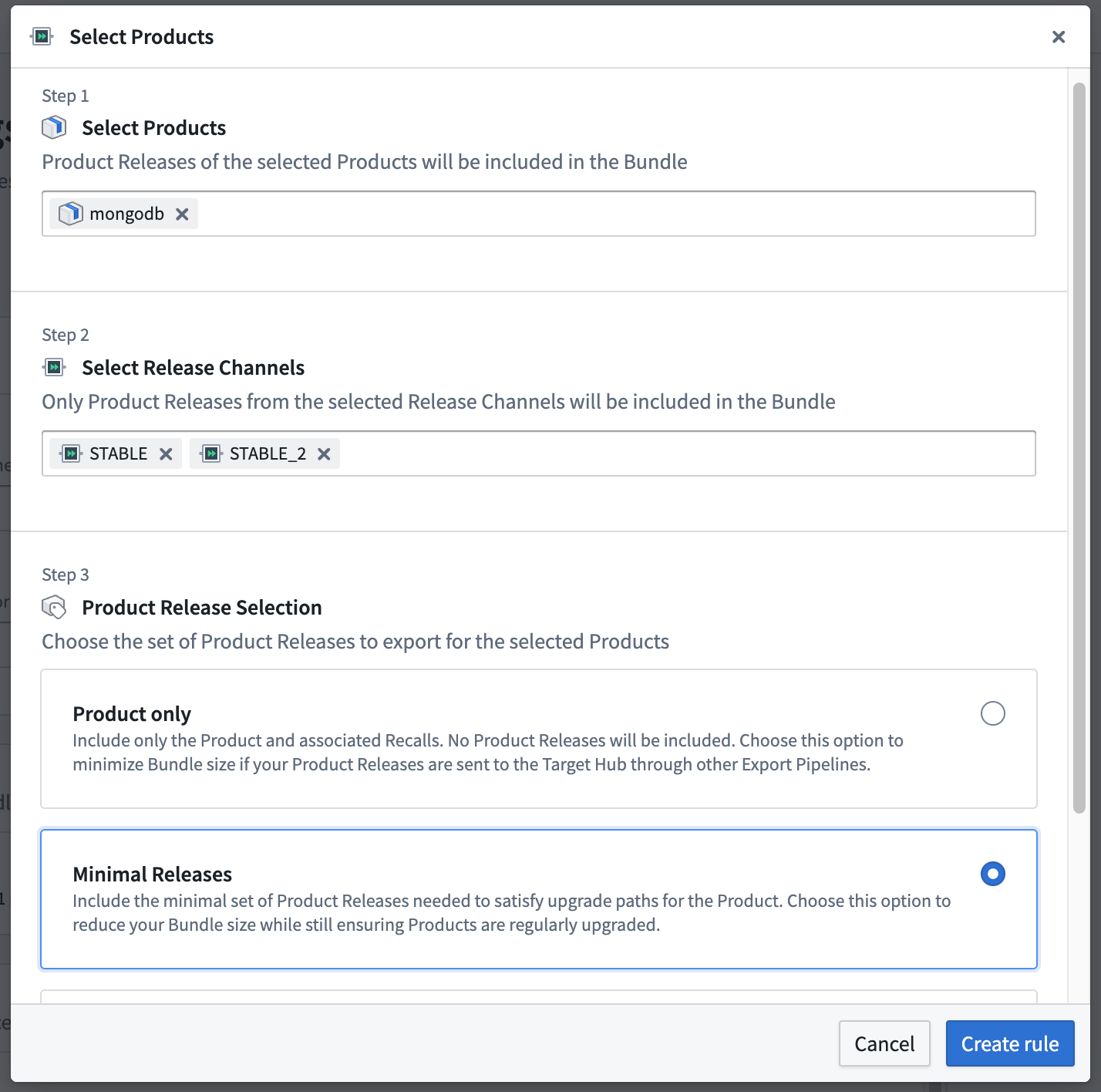
This rule is useful when you want to export a specific set of Products that are not defined in an Environment or Module.
Select Releases
The Select Releases rule allows you to specify individual Releases of Products to export.
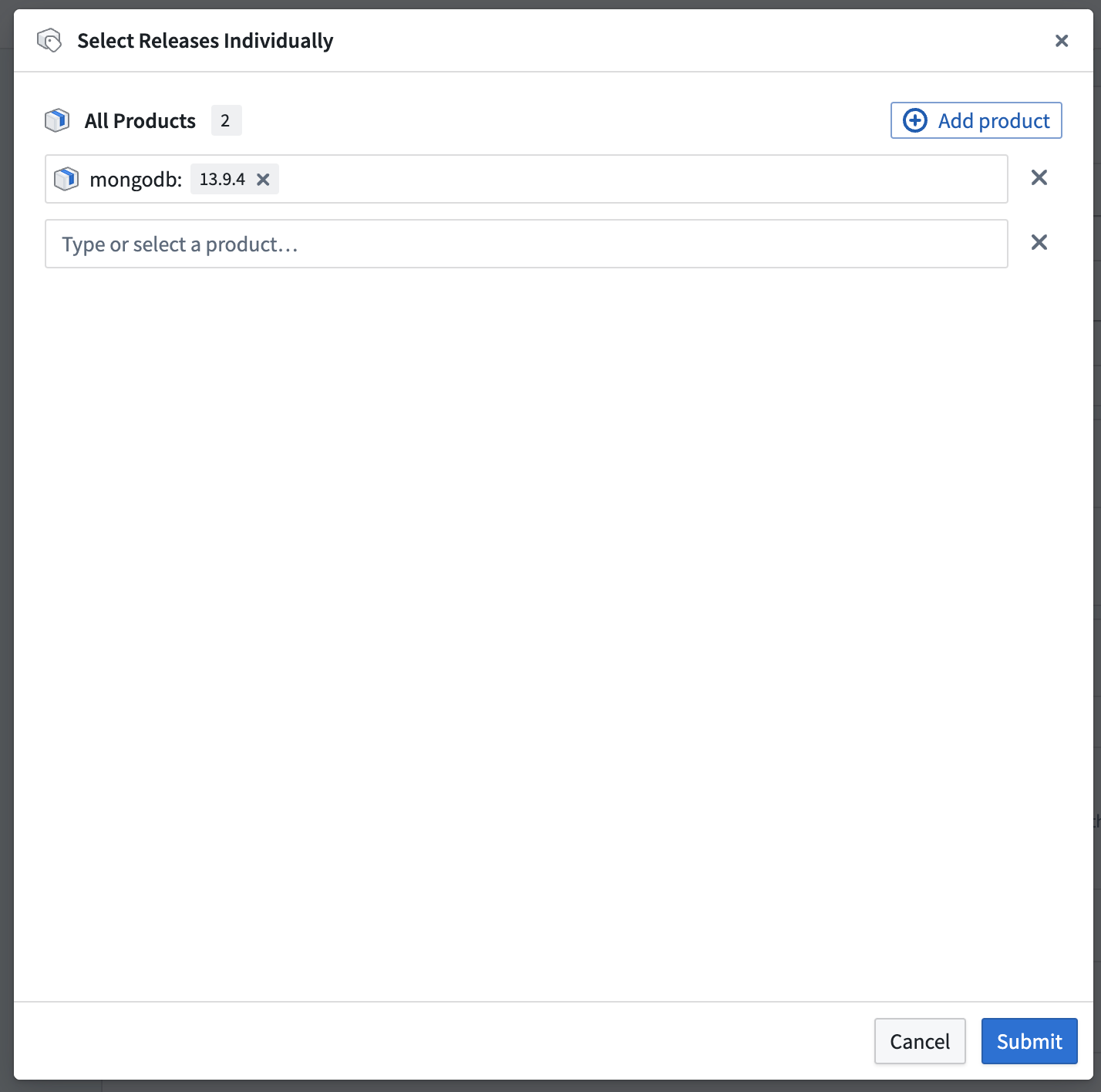
This rule is useful when you are doing a one-time transfer of a Bundle. For example, for incident response you may need to create a new Release that includes a major bug fix. You can specify an Export Pipeline that will only include the single Release, create a new Bundle, and then transfer the Bundle to any affected Target Hub.
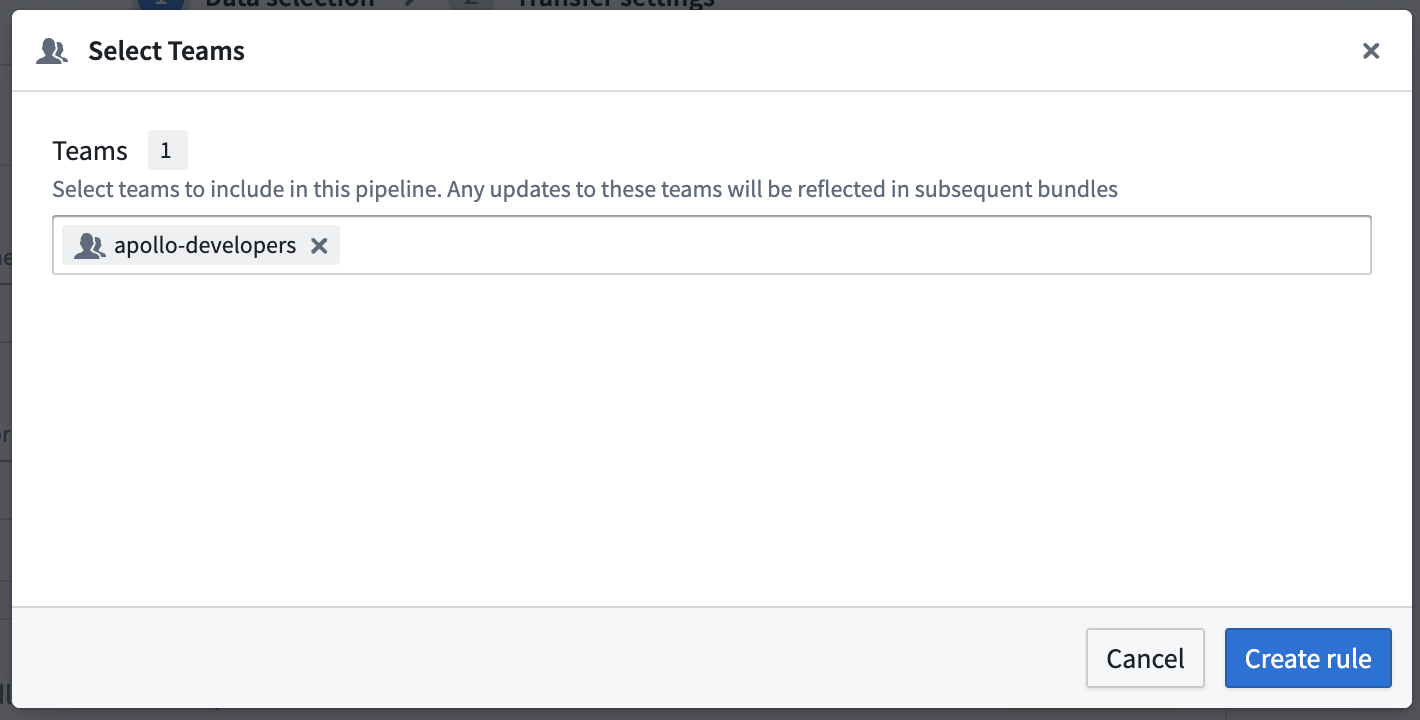
Select Teams
The Select Teams rule allows you to export Apollo Teams. Any updates to these Teams will be reflected in subsequent Bundles.
Product Release selection strategies
The Environment, Module, and Product data selection rules require you to specify a Product Release selection strategy. This strategy defines how Apollo will choose which Product Releases to export.
No Product Releases strategy
You can choose to only export the main resource, such as the Environment, without any associated Product Releases. Choose this option to minimize Bundle sizes if your Product Releases are sent to the Target Hub through other Pipelines.
All Product Releases strategy
This strategy will export all Product Releases for the selected resource. Choose this option if you want to ensure that all Product Releases are exported. However, this can significantly increase Bundle sizes.
This requires the Incremental build strategy to be effective. If you use the Snapshot build strategy, Apollo will not take into account previous Bundles and every Bundle will be an initialization Bundle.
For example, at timestamp T1, you have a Product with Product Releases 1.0.0 and 1.0.1. In your Export Pipeline with an Incremental build strategy, the first Bundle will be an initialization Bundle. Only 1.0.1 will be included in this Bundle since it is the latest available Product Release. Every subsequent Bundle will include all new Product Releases published after the previous Bundle.
If at timestamp T2, there are new Product Releases 1.0.2 and 1.0.3, and you create a new Bundle, the Bundle will include 1.0.2, and 1.0.3 since those are new Product Releases since T1. 1.0.1 will not be included in the new Bundle since it was already included in the previous Bundle.
Minimal Product Releases strategy
This strategy will only export the minimal set of Product Releases needed to satisfy upgrade paths for each Product. This works by removing redundant Product Releases which are not needed to satisfy product dependencies or schema versions. Choose this option to reduce Bundle sizes while still ensuring that all Product Releases needed for upgrades are exported.
This requires the Incremental build strategy to be effective. If you use the Snapshot build strategy, Apollo will not take into account previous Bundles and every Bundle will be an initialization Bundle.
For example, at timestamp T1, you have a Product with Product Releases 1.0.0 and 1.0.1. In your Export Pipeline with an Incremental build strategy, the first Bundle will be an initialization Bundle. Apollo will evaluate constraints such as Product dependencies and version compatibility to select an appropriate version of the Product to include in the Bundle. Suppose in this case Product Release 1.0.1 is selected. Every subsequent Bundle will only include new Product Releases needed to satisfy upgrade paths for each Product.
If at timestamp T2, there are new Product Releases 1.0.2 and 1.0.3, and you create a new Bundle, the Bundle will only include Product Release 1.0.3 if it is the only Product Release needed to satisfy upgrade paths for the Product. 1.0.1 will not be included in the new Bundle since it was already included in the previous Bundle. 1.0.2 was excluded since it was redundant with 1.0.3.
This strategy takes into account all Products in the selected resource. For example, if you are exporting an Environment with the Minimal Releases strategy, Apollo will consider all Products in the Environment and only include the minimal set of Product Releases needed to satisfy upgrade paths for all Products in the Environment.