- Capabilities
- Getting started
- Architecture center
- Platform updates
Agent Manager
Agent Manager is where you find, run, and monitor agents built on the Agent Stack. Start a session, contribute to ongoing work, or inspect an agent’s activity across applications to understand its behavior. Agent Manager supports agents built with Agent Builder, Palantir’s Agent SDK, and third-party SDK integrations.
Capabilities
With Agent Manager, you can:
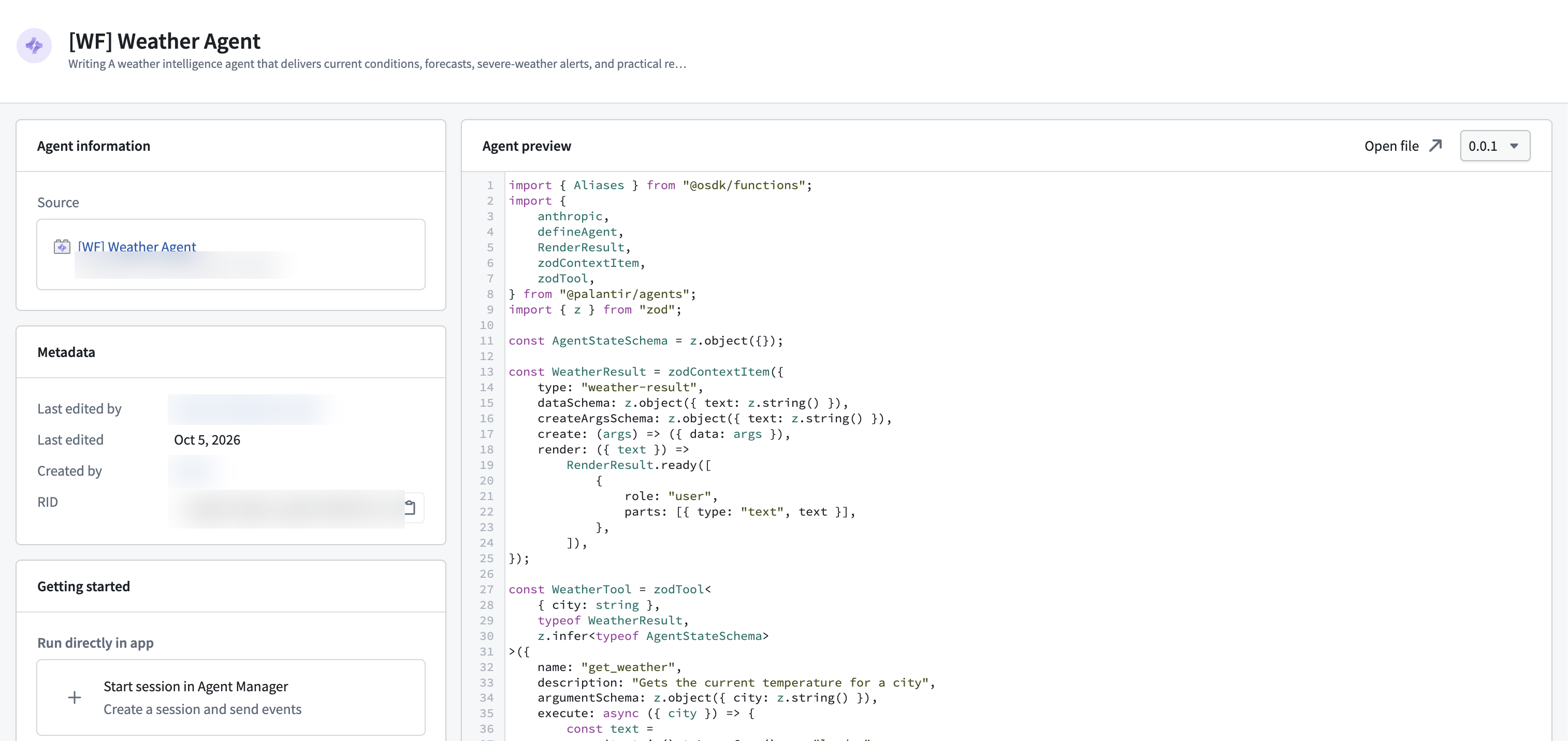
- Find and inspect agents: Browse agents you can access, review their published versions and metadata, and inspect source code when available.
- Start and interact with sessions: Create a session with a published agent version and provide its required inputs. Send messages or other supported events to continue the interaction, or cancel an active session when it is no longer needed.
- Monitor sessions across applications: View every session started with the agent. Filter an agent's sessions by version or originating resource.
- Investigate agent behavior: Inspect context items and event details, examine the session's context and agent state at earlier points in its history, and review available traces and logs.
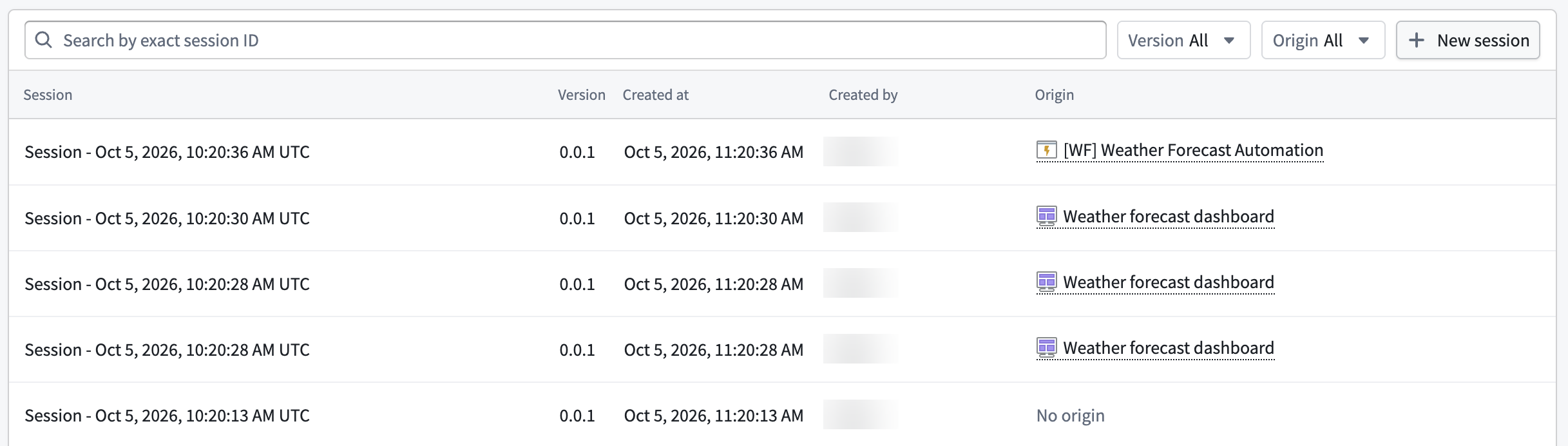
Agent Manager is a monitoring hub for published agents. To edit an agent, Agent Manager provides links to open the agent in its respective authoring tool.
Access and permissions
Published agents are Compass resources. Access is governed by role grants, including those inherited from the containing project, and applicable mandatory controls, such as organizations and markings.
Access to an agent does not automatically grant access to every session. To view a session, you must satisfy both its mandatory and discretionary access requirements.