- Capabilities
- Getting started
- Architecture center
- Platform updates
Create a boardroom
Create a boardroom to assemble an agent team for a specific goal or area of work. Before you begin, ensure that you meet the requirements for using Boardroom.
To create a boardroom:
- From the Boardroom homepage, select Create Boardroom.
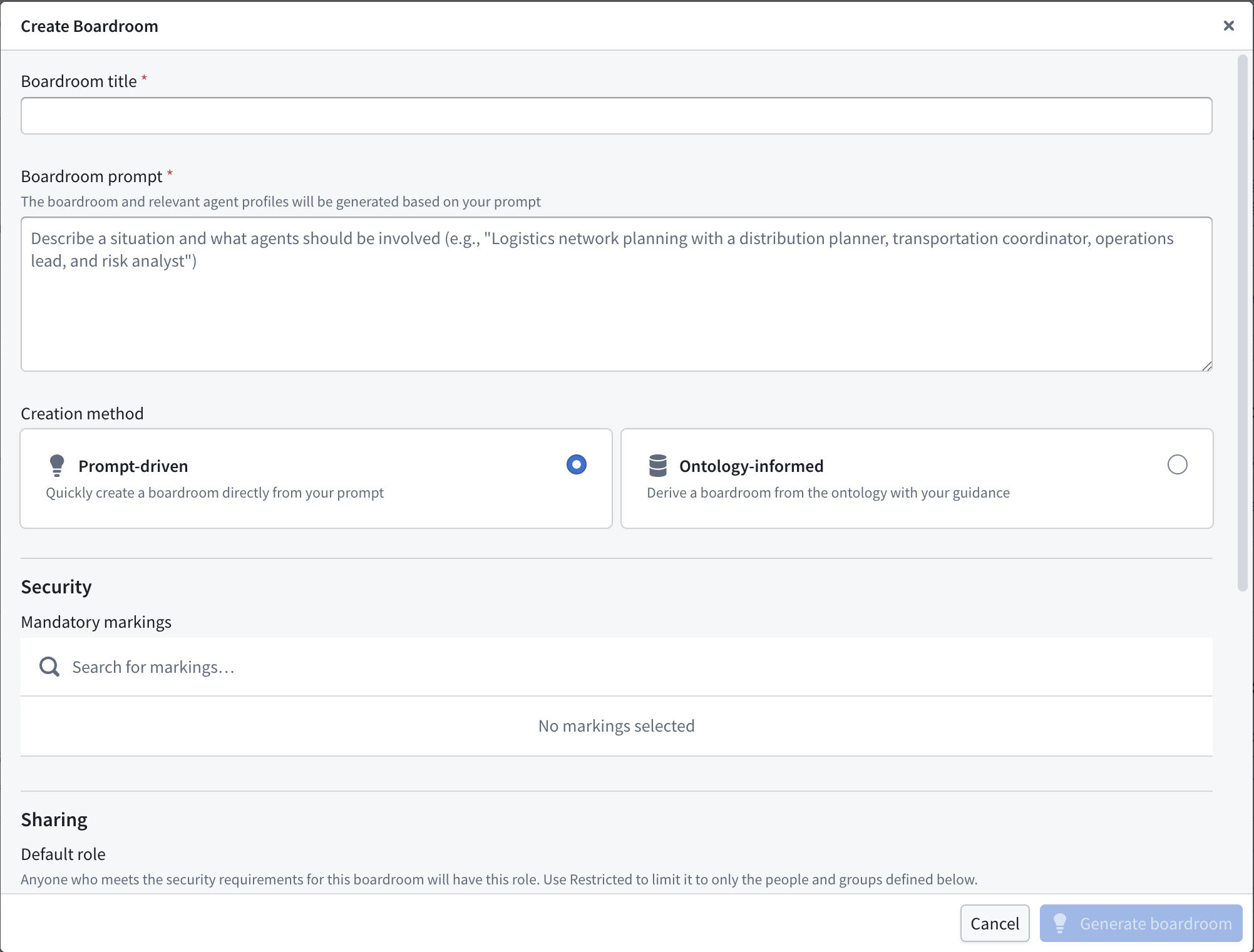
- Enter a Boardroom title and a high-level Boardroom prompt that describes the work and the experts or domains that the team should represent.
- Choose Prompt-driven to generate the team from your prompt, or choose Ontology-informed to use your Ontology to help define the team.
- Configure the mandatory markings and sharing settings for the boardroom. Review the security settings before creating the team, because you cannot change mandatory or classification-based access control markings after creation.
- Select Generate boardroom.
Boardroom generates a director and a set of agent participants based on your input. You can then customize each agent's system prompt, skills, default model, Ontology context, tools, and memory. Boardroom stores the team's sessions and creations in the Ontology.
Next, configure the boardroom to refine the team, or choose a mode to start working with the agents.