- Capabilities
- Getting started
- Architecture center
- Platform updates
Telemetry Navigation Agent
The Telemetry Navigation Agent helps you investigate Autopilot executions using natural language. The agent analyzes the selected execution trace, summarizes what happened, and guides you to the spans and service logs most relevant to your question.
When opened, the agent performs an initial exploration of the trace and highlights useful starting points. You can then ask follow-up questions such as:
- Why did this execution fail?
- Which step took the longest?
- Explain the sequence of operations.
- Were there any warnings or errors?
- What happened during the LLM calls?
The agent can inspect relationships between spans, review service logs, identify failures and performance bottlenecks, and select relevant spans directly in the trace. For more complex investigations, the agent presents an interactive explanation that lets you move through important spans, inspect their severity and originating service, view related logs, and zoom the trace to the relevant activity.
Always verify the explanation provided by the agent before making changes to production environments. Review the underlying trace and service logs before using the results to make operational decisions.
Use the agent
-
In the Automation events tab, select an event to open its execution trace.
-
Open the Agent panel.
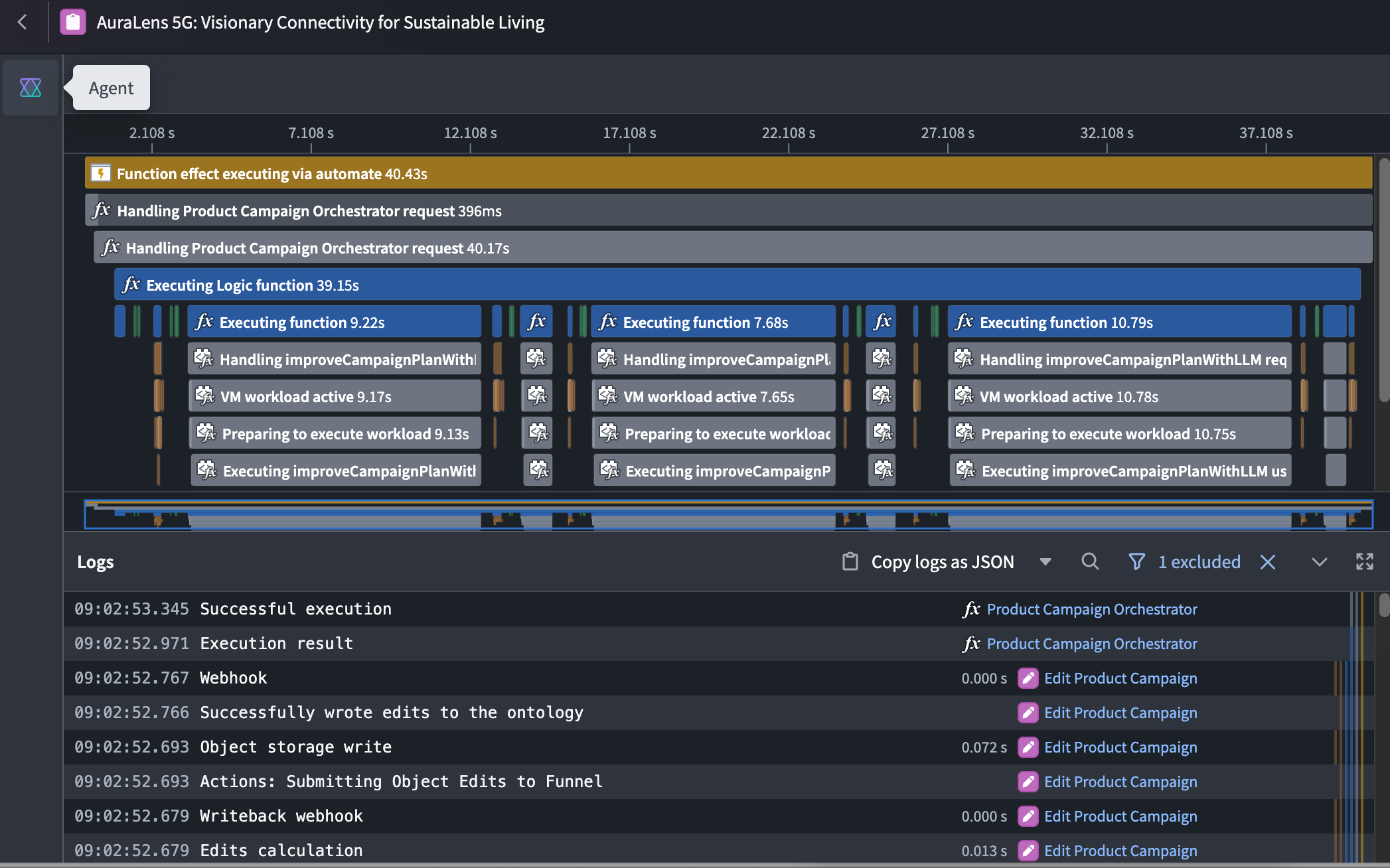
-
Review the agent’s initial summary and suggested questions.
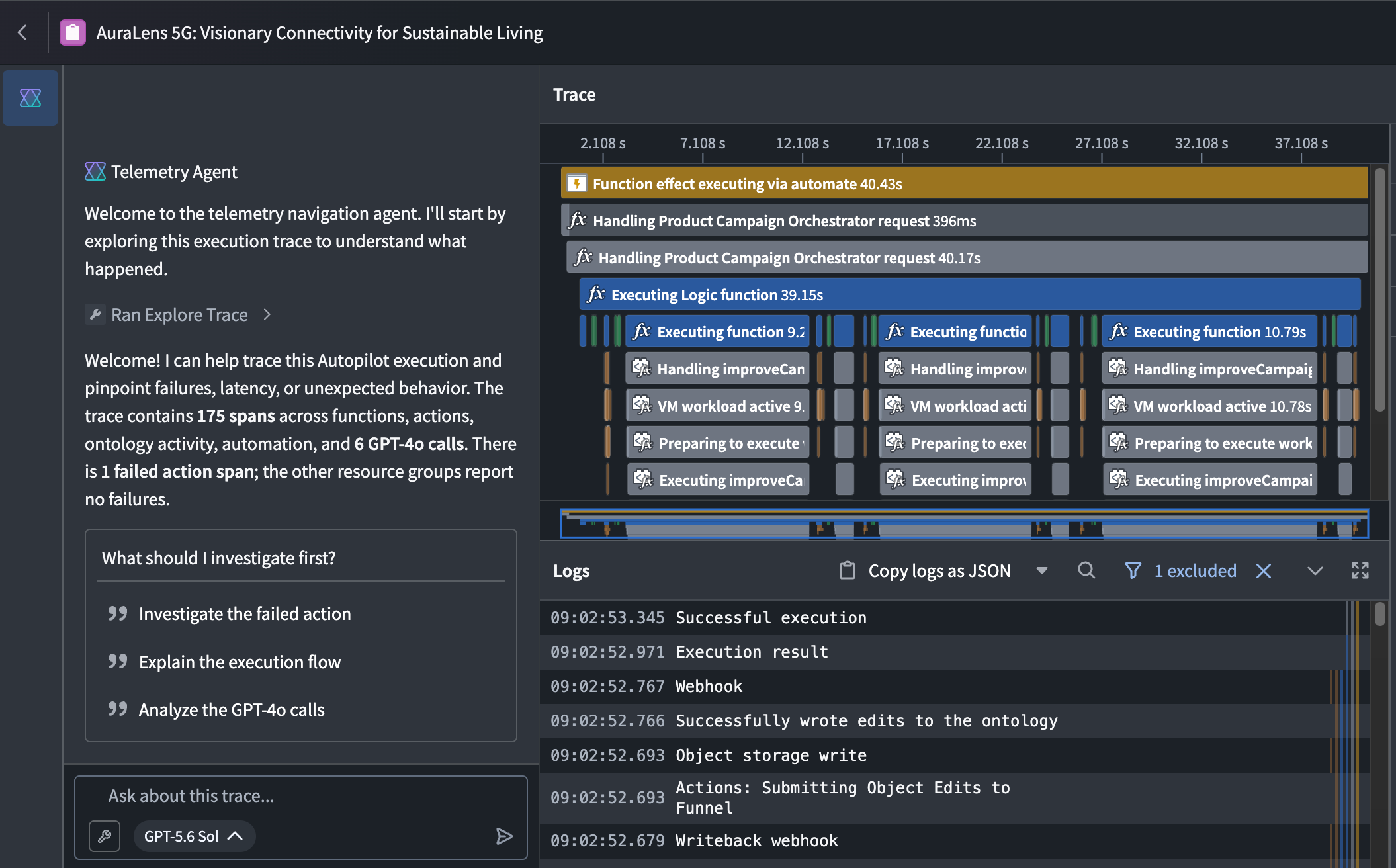
-
Select a suggestion or enter your own question.
-
Follow the highlighted spans and explanations to investigate the execution.
The agent requires telemetry data for the selected execution and an available language model. If trace data is unavailable, the agent cannot analyze that execution.