- Capabilities
- Getting started
- Architecture center
- Platform updates
Syncing data to Iceberg tables from Data Connection
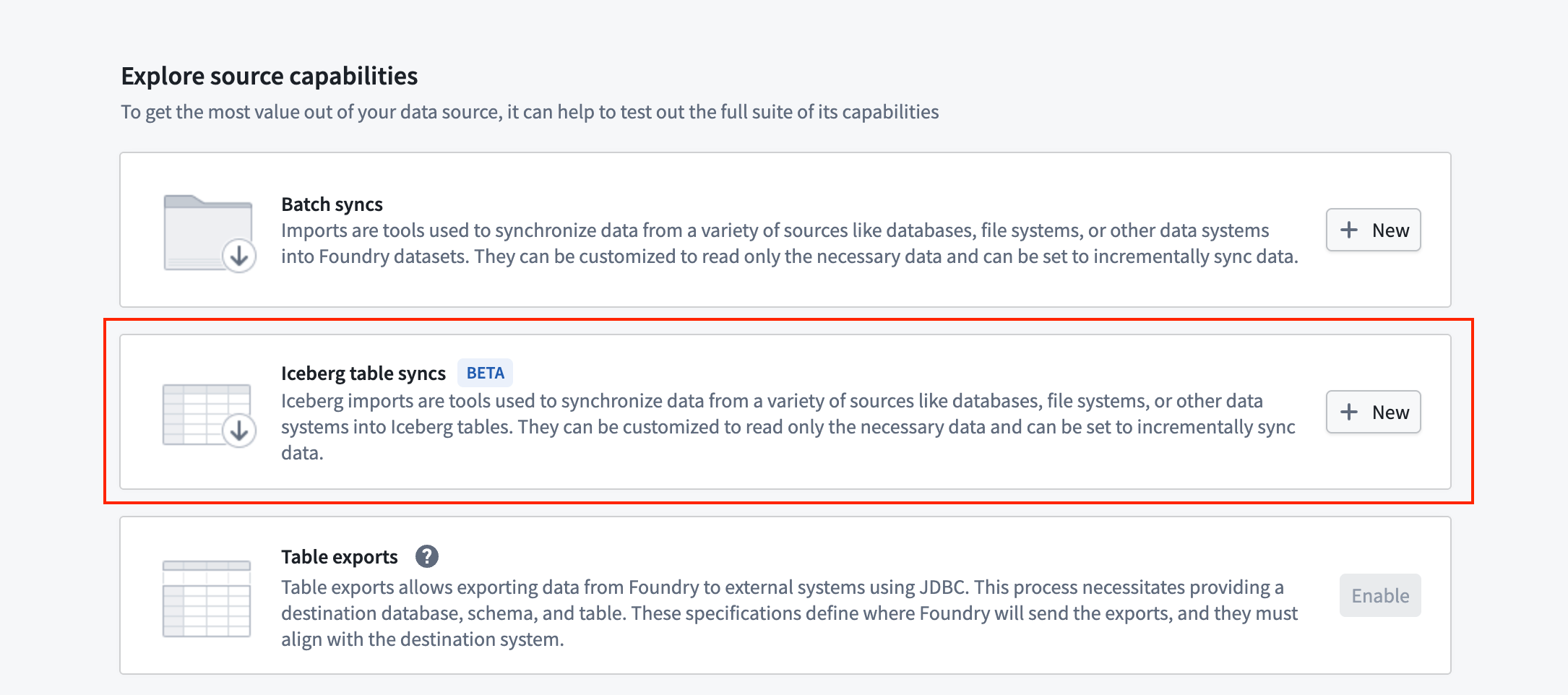
You can use Data Connection to sync data from supported external sources directly into Foundry Iceberg tables.
Supported sources
Currently supported source types are:
Iceberg syncs are only supported on the Foundry worker runtime. When ingesting data from a private network, configuring agent proxy egress policies is recommended.
Write modes
Foundry offers both non-incremental and incremental batch syncs into Iceberg for these source types. You can create new Iceberg syncs from the source overview page.
When configuring your sync, you can choose between the following write mode options:
- "Overwrite" write mode: Overwrites all rows in the Iceberg table with new data, producing an
overwriteIceberg snapshot. - "Append" write mode: Appends new rows to the Iceberg table, while retaining all existing data, producing an
appendIceberg snapshot. - "Update" write mode: Updates existing rows in the Iceberg table which match on a primary key identifier column, inserting new rows for previously unseen identifiers. This produces an
overwriteIceberg snapshot, overwriting only the affected data files.
More customized incremental ingests are also supported using a wildcard-based custom SQL statement. See the incremental syncs documentation for more detail.
Schema evolution on Iceberg syncs is not supported. This means that re-running a sync after modifying the schema of the source table will fail. Consider creating a new sync on the updated table schema in these circumstances.